Audience: Creators Status: User Guide
Your account settings cover your personal profile and sign-in details. Open them from Settings → Account in the sidebar. A few organization-wide options live in their own sections, noted below.
Account
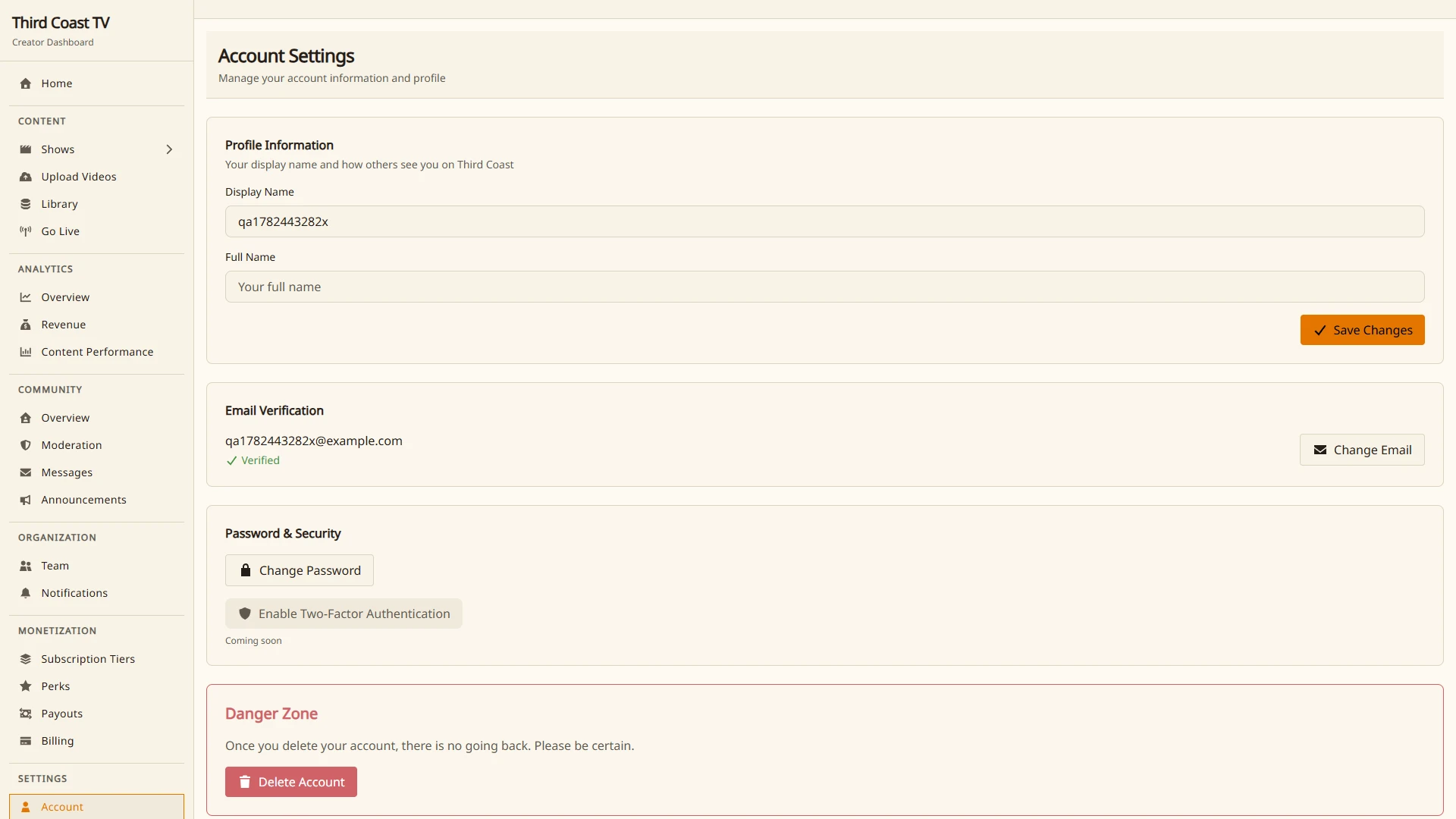
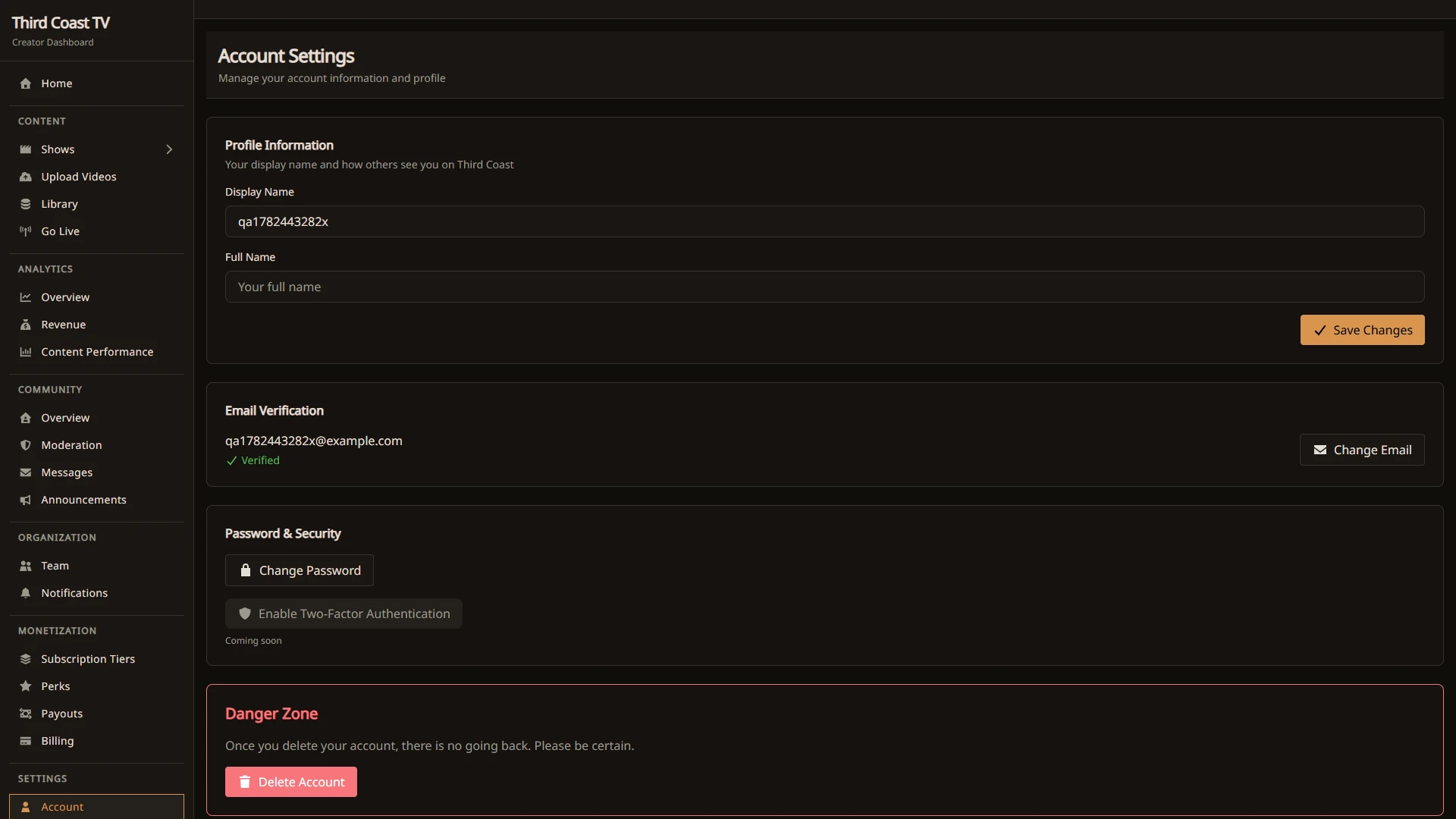
The Settings → Account page has:
- Profile Information. Your username and display name, which is how others see you on Third Coast.
- Email Verification. Change your email address and confirm it. A verified email is required for a few sensitive actions, including going live, connecting payouts, and requesting a payout.
- Password & Security. Change your password.
- Two-Factor Authentication. Add a second sign-in step with an authenticator app. Click Enable Two-Factor Authentication, scan the QR code with any TOTP app, and confirm with a code. You get single-use backup codes to store somewhere safe; each one works once if you lose access to your app. You can disable two-factor from the same section (it asks for a current code).
- Delete Account. Permanently remove your account.
Privacy
The Settings → Privacy page controls what you share:
- Profile Visibility. Who can see your profile.
- Who Can Contact You. Whether subscribers can send you direct messages, whether viewers can comment, and whether others can send collaboration requests.
- Data & Analytics. Your analytics tracking and marketing-email preferences.
- Download Your Data. Download a copy of your account data (profile, settings, and activity) as a JSON file, ready immediately.
Notifications
Notification emails are set per organization under Organization → Notifications. From there you can turn individual emails on or off, including new subscriber alerts, daily reports, team invitations, system updates, stream status, revenue alerts, and feedback or comments.
Billing and payouts
Billing and payouts live under Monetization, not Settings. See Pricing Your Content and Creator Revenue and Payouts.