Audience: Creators Status: User Guide
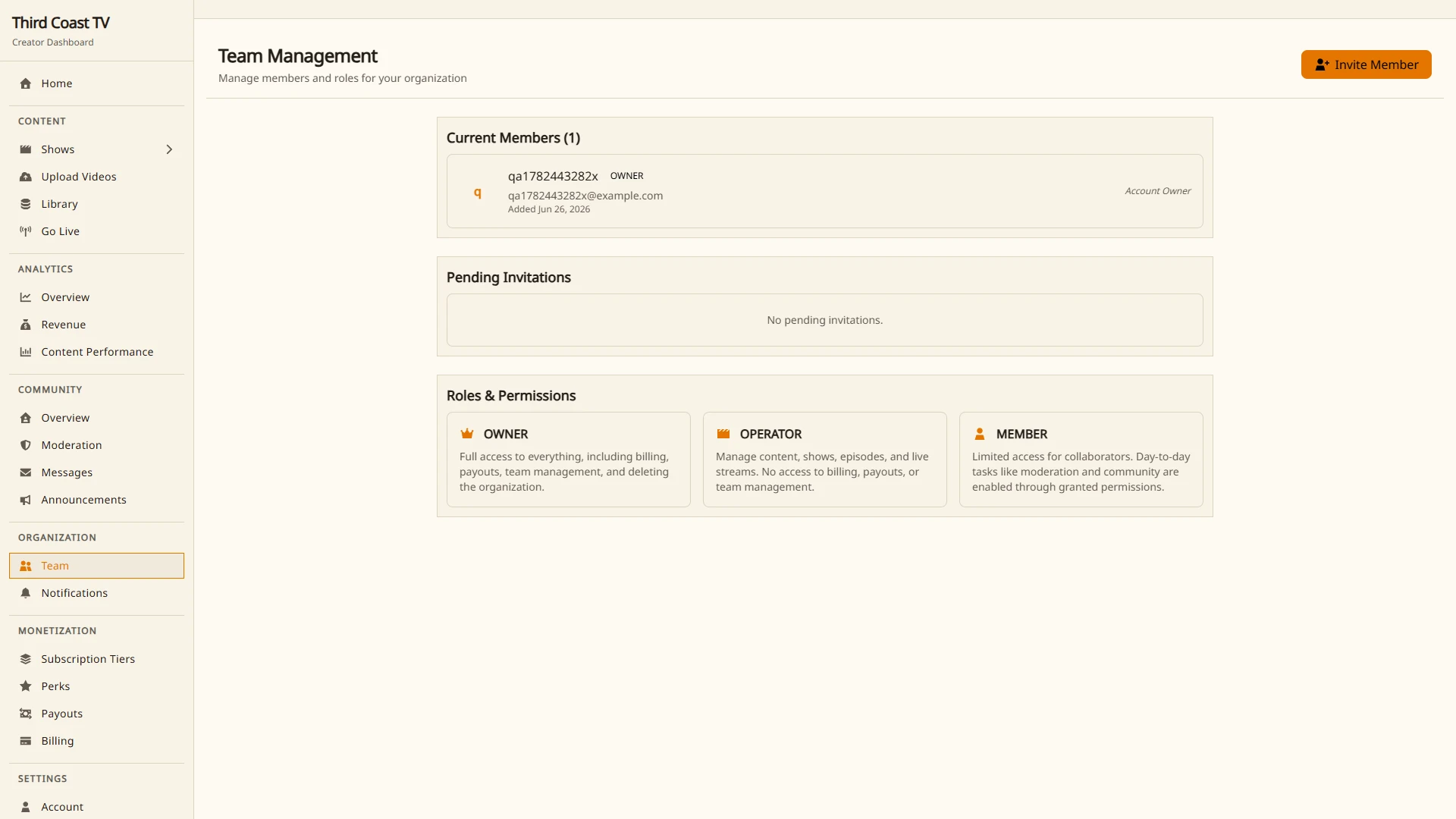
You can invite people to help run your organization and give each of them a role that controls what they can do. Manage your team under Organization → Team.
Roles
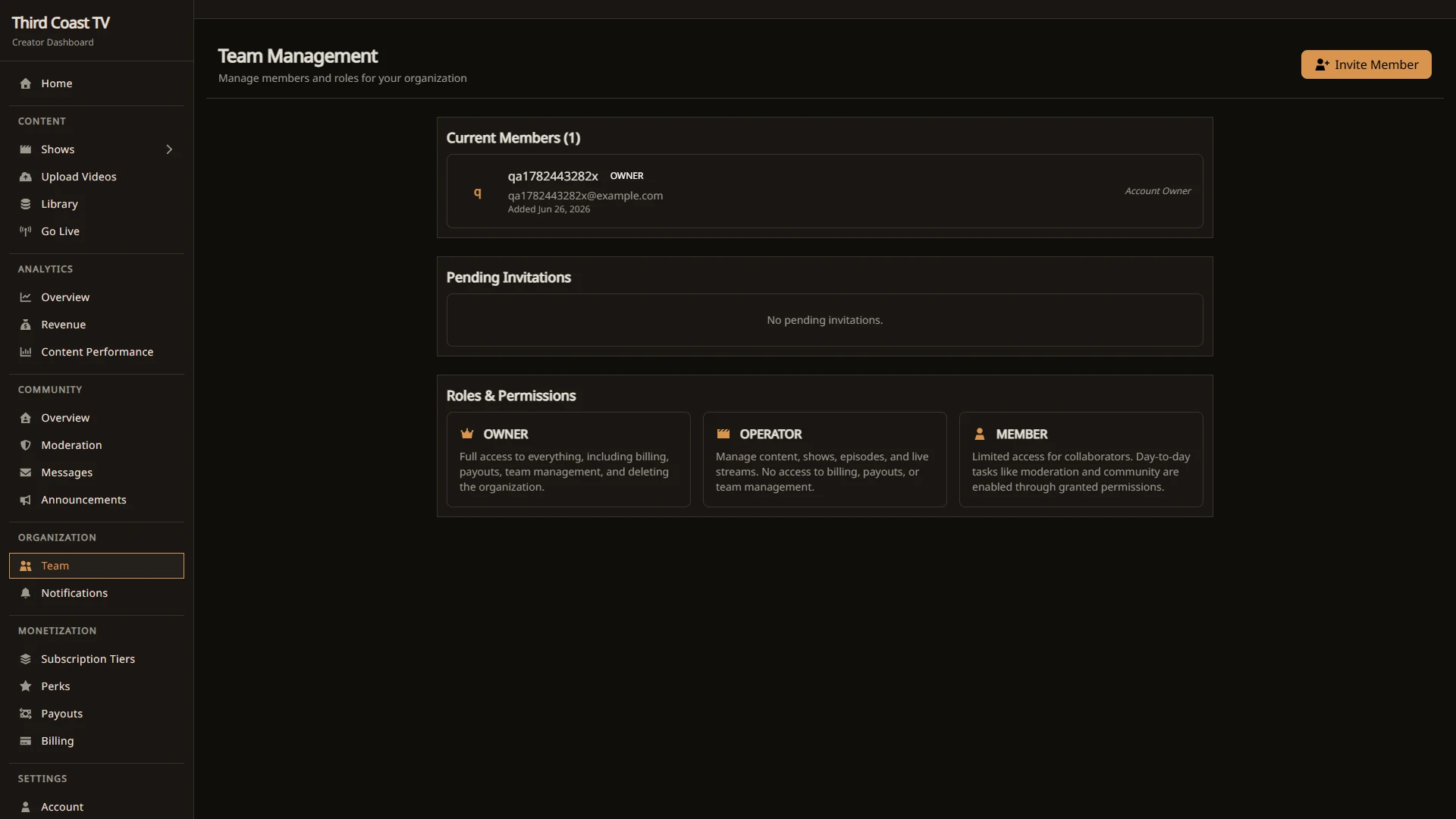
Every member has one of three roles:
- Owner. Full access to everything, including billing, payouts, team management, and deleting the organization. Each organization has exactly one owner.
- Operator. Can manage content, shows, episodes, and live streams, and can moderate live chat and polls. No access to billing, payouts, or team management.
- Member. Limited access for collaborators. Day-to-day tasks like moderation and community are enabled through granted permissions.
Only the owner can invite people, change roles, or remove members.
Inviting a teammate
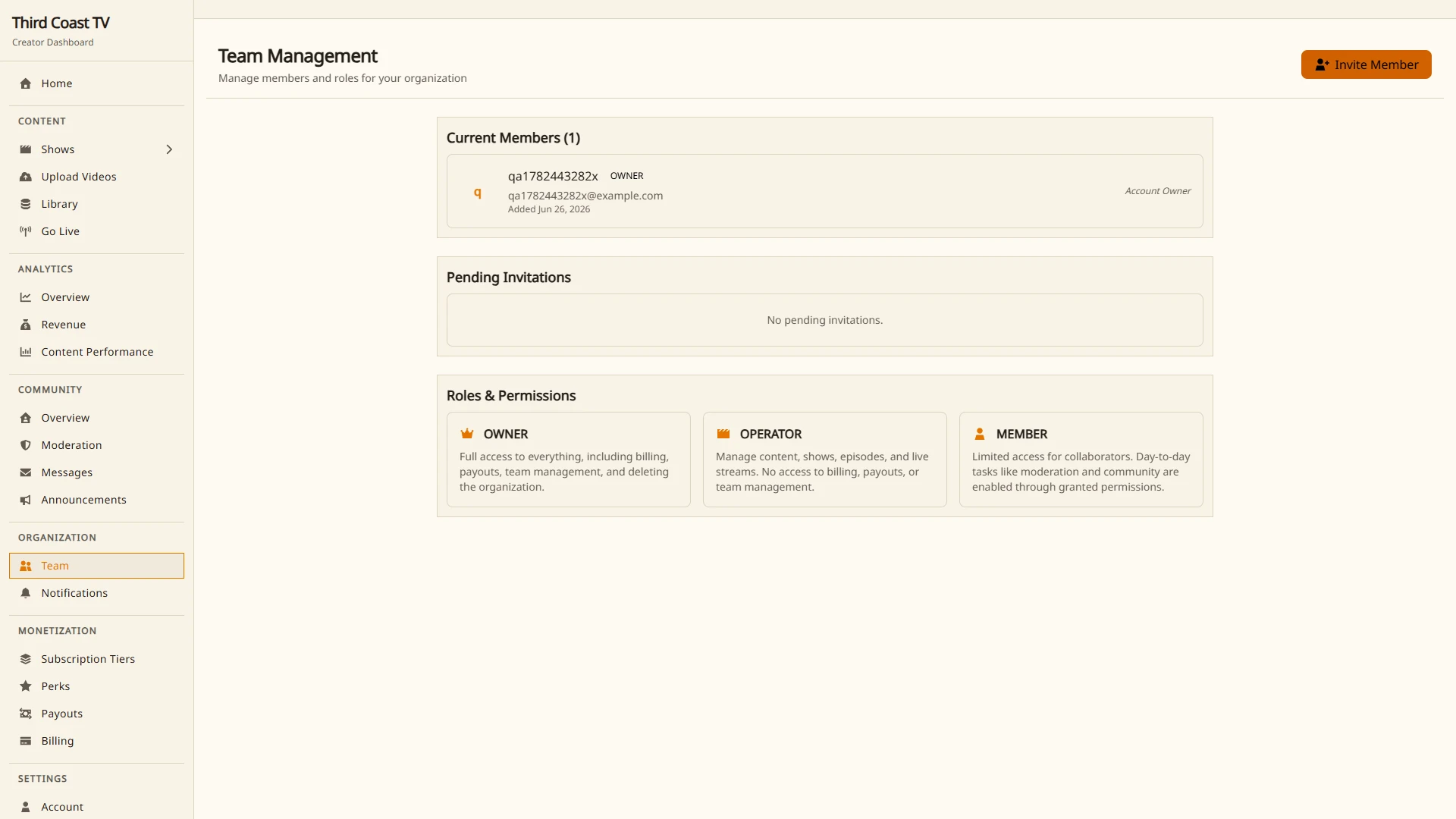
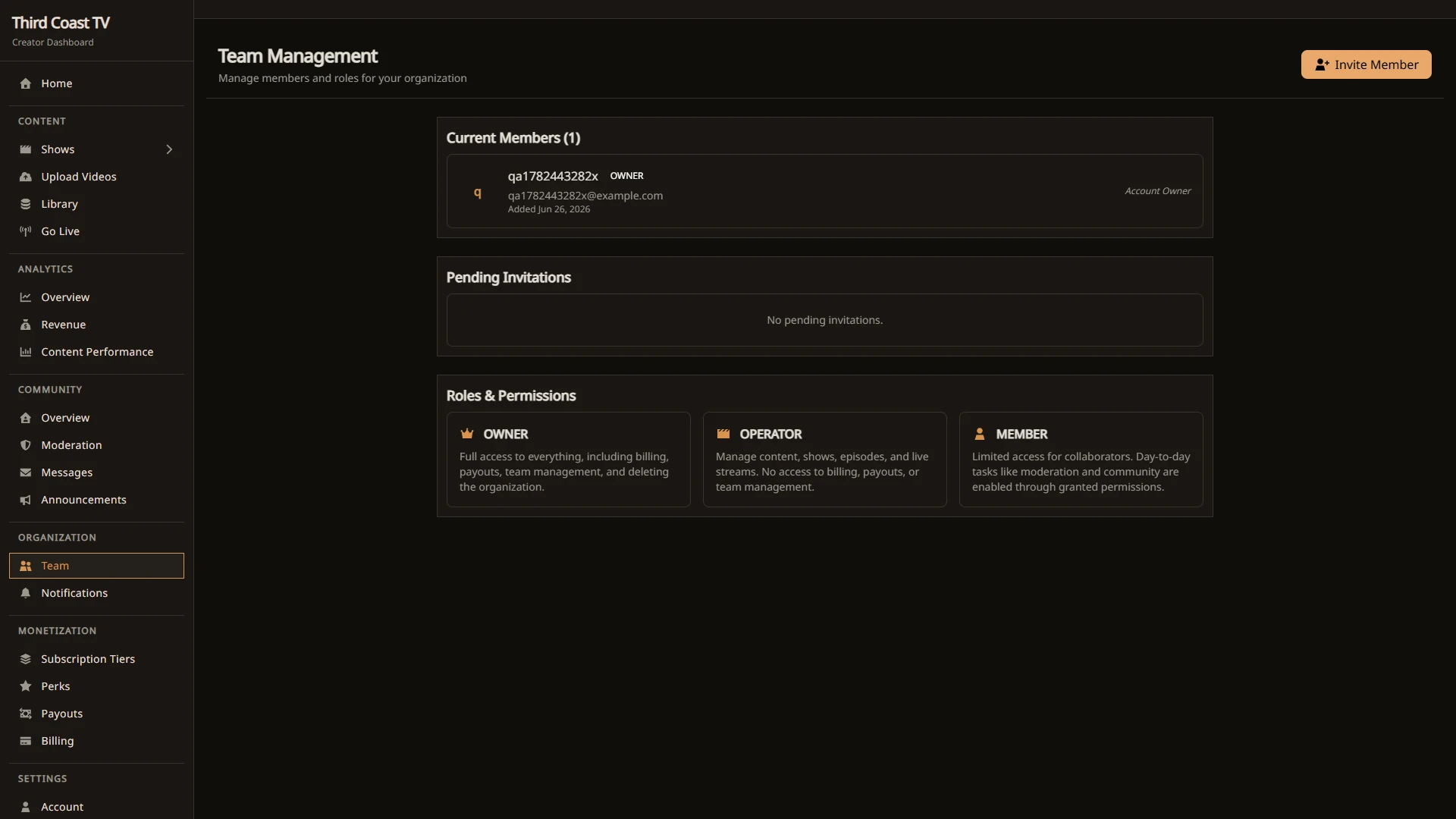
- Open Organization → Team.
- Select Invite and enter the person’s email address.
- Choose a role, Operator or Member.
- Send the invitation.
The invitation is emailed to that address and is valid for 7 days. The person follows the link to accept and join your organization. They need a Third Coast TV account, which they can create while accepting if they do not have one.
Managing pending invitations
Until an invitation is accepted, you can:
- Resend it, which issues a fresh link and resets the 7-day window.
- Cancel it, which revokes the link.
Managing members
From the team page the owner can:
- Change a member’s role between Operator and Member.
- Remove a member from the organization.
Removing a member revokes their access immediately. It does not delete any content they created.
Transferring ownership
Each organization has a single owner, and ownership cannot be transferred from the dashboard. If you need to hand the organization to someone else, contact support.