Audience: Creators Status: User Guide
Moderation is how you keep comments on your episodes healthy. The platform checks every comment automatically and routes anything questionable to you, so your job is mostly reviewing what gets held rather than watching every thread. This guide covers the moderation queue, approving and rejecting, filtering, how viewer flags reach you, and how the automatic check works.
The moderation queue
Open Community → Moderation to see comments waiting on a decision. The queue pulls held comments from every show in your organization into one list, so you can clear the backlog in a single place.
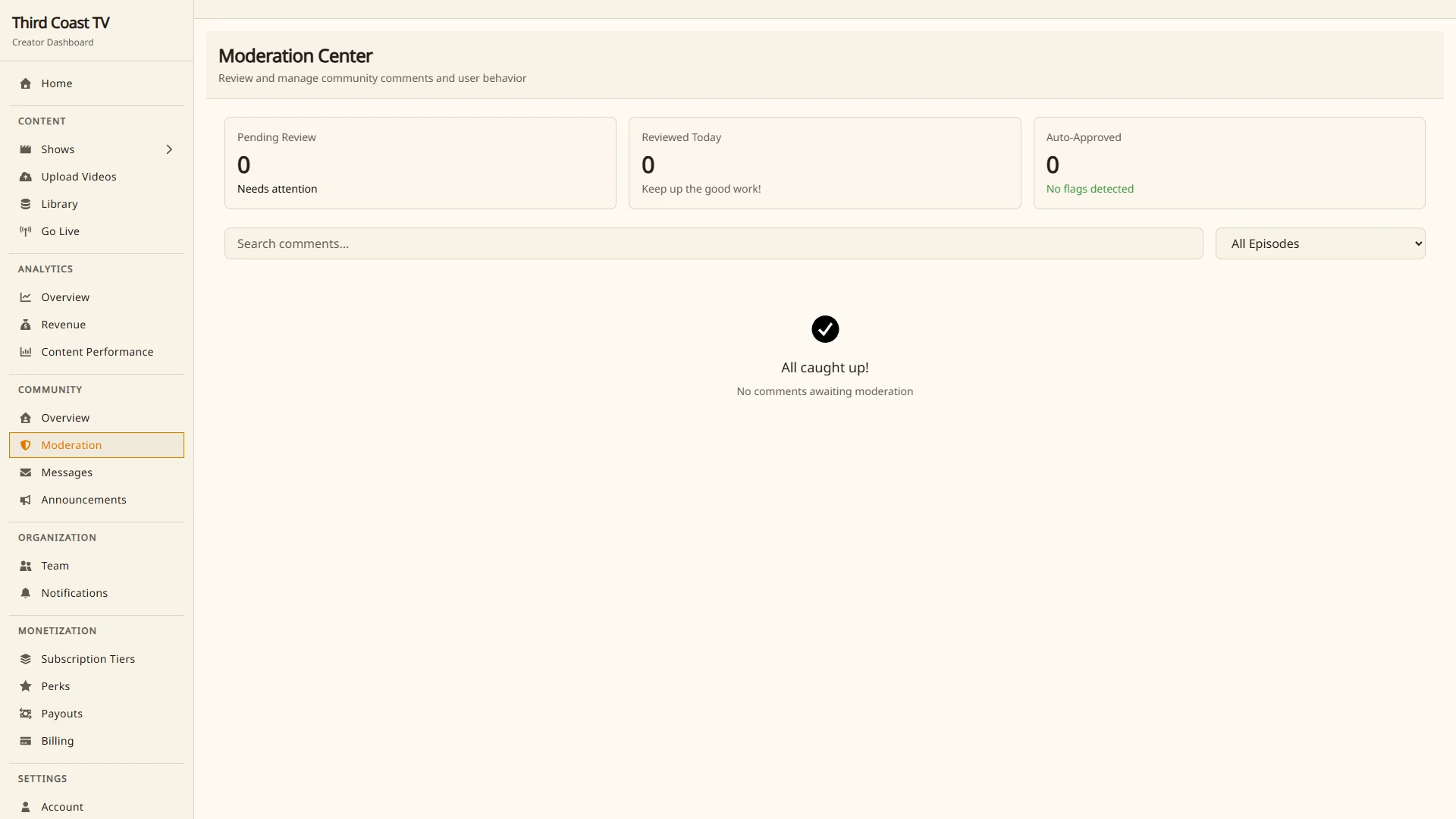
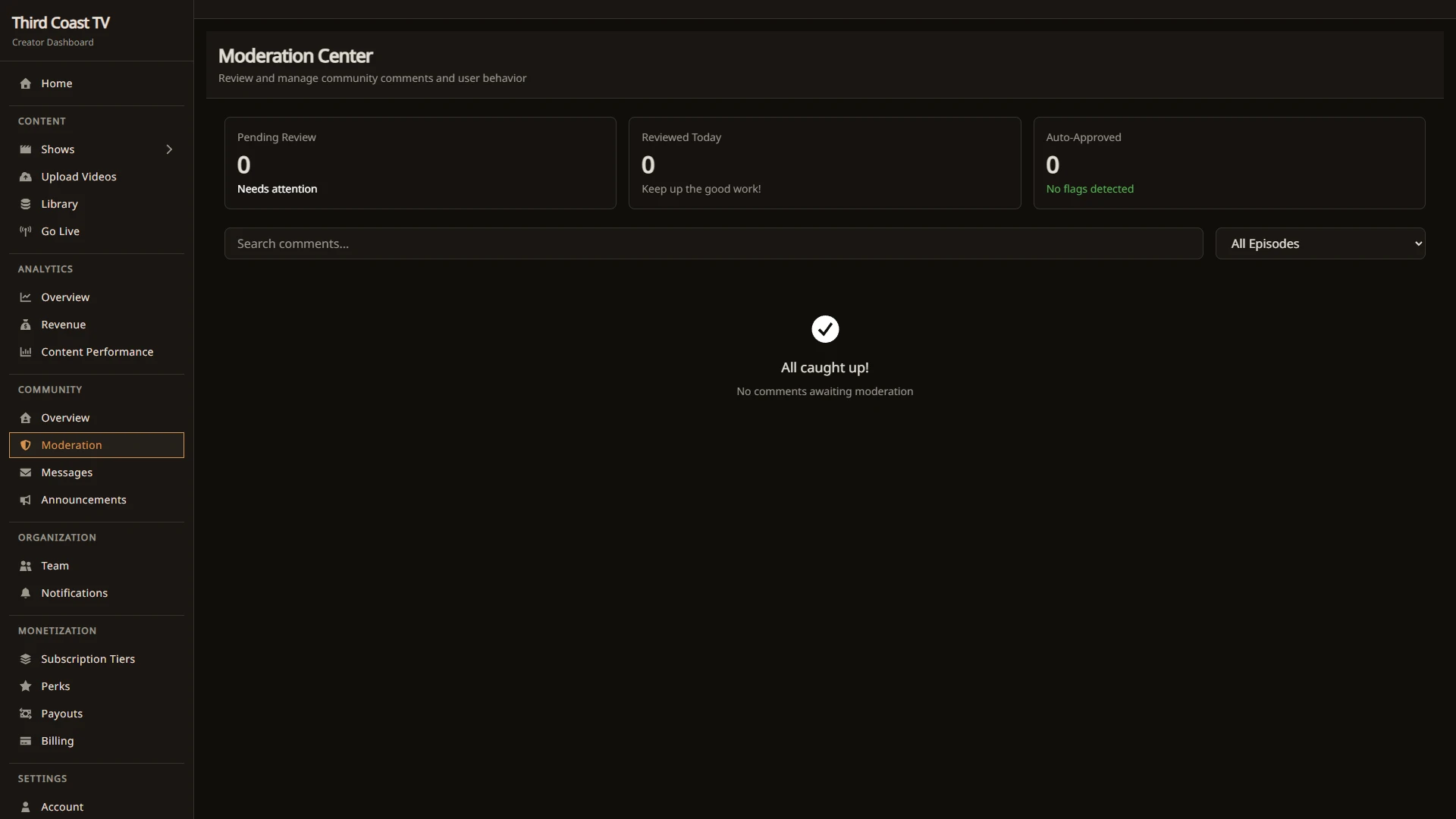
Each row shows the comment text and the episode it belongs to. The top of the page shows a quick read on the day’s work, including how many comments were reviewed today and how many were auto-approved.
Approve or reject
For every pending comment you have two actions:
- Approve publishes the comment into the episode’s thread.
- Reject keeps it out. In its place, viewers see a [removed by moderator] marker.
Acting on a comment removes it from the queue.
Filters
To focus a long queue:
- Episode. Limit the list to comments on one episode.
- Search. Match text in the comment or the episode title.
Flags from viewers
Viewers can flag a comment they think breaks the rules. When someone flags a comment, they choose a reason:
- Spam for unsolicited advertising.
- Harassment for targeted abuse or bullying.
- Hate Speech for discriminatory language.
- Illegal Content for something that violates laws or regulations.
- IP Infringement for a copyright or trademark violation.
- Other for a general terms of service violation.
Each viewer can flag a given comment once. Flags are part of your moderation signal: when you view a comment that has been flagged, the count of pending reports is shown so you can weigh it when you decide whether to keep the comment. For the viewer side of reporting, see reporting-public.
How auto-moderation works
Auto-moderation runs on every comment the moment it is submitted. It is a built-in scorer, not a word list or rule set you configure. It reads the comment and raises a score from signals such as:
- Spam keywords, common advertising and scam phrases.
- Links, where more than two URLs in one comment counts against it.
- Shouting, a comment that is mostly capital letters.
- Repetition, the same characters or the same phrase repeated.
It also looks for bot-like posts, such as a short comment made almost entirely of generic filler like « great post » or « subscribe ».
From the combined score, each comment is either:
- Approved automatically and posted right away,
- Held as pending so it lands in your queue, or
- Blocked before it is ever created when the signals are strong, in which case the person sees a brief reason.
You do not tune thresholds or maintain a custom filter. The point is to catch obvious noise before your audience sees it and to send anything borderline to you instead of publishing it unreviewed.
Who can moderate
You as the creator and your organization’s Operators can moderate comments. Members can moderate when they have been granted the permission. See team-management-creator for how roles and permissions work.
Related guides
- comments-creator
- reporting-public
- comments-public
- team-management-creator