Audience: Creators Status: User Guide
Third Coast TV gives you several ways to earn from your work. You can keep everything free, charge a recurring membership, sell one-time access to individual episodes, or mix all of them. This guide explains each option and how the platform fee works. To learn how the money reaches your bank, see Creator Revenue and Payouts.
Who can watch: access modes
Pricing starts with the access mode you set on each episode. You can apply more than one, and you set them per episode.
| Mode | Who can watch |
|---|---|
| Public | Anyone. Shown in your show’s listings. |
| Unlisted | Anyone with the direct link. Hidden from listings. |
| Subscriber | Active subscribers to your organization. |
| Tier-gated | Subscribers on specific tiers you choose. |
| Perk-gated | Viewers who hold specific perks. |
| Purchase | A one-time purchase. Permanent, or a timed rental. |
| Purchase or subscriber | Either a purchase or an active subscription unlocks it. |
| Ticketed | Ticket holders, for a live event plus its replay window. See Ticketed Events. |
To charge for any of the gated modes, set up tiers, perks, a purchase price, or a ticket price as described below.
Subscription tiers
Tiers are recurring monthly memberships your audience buys to support you and unlock subscriber content. Manage them under Monetization → Subscription Tiers.
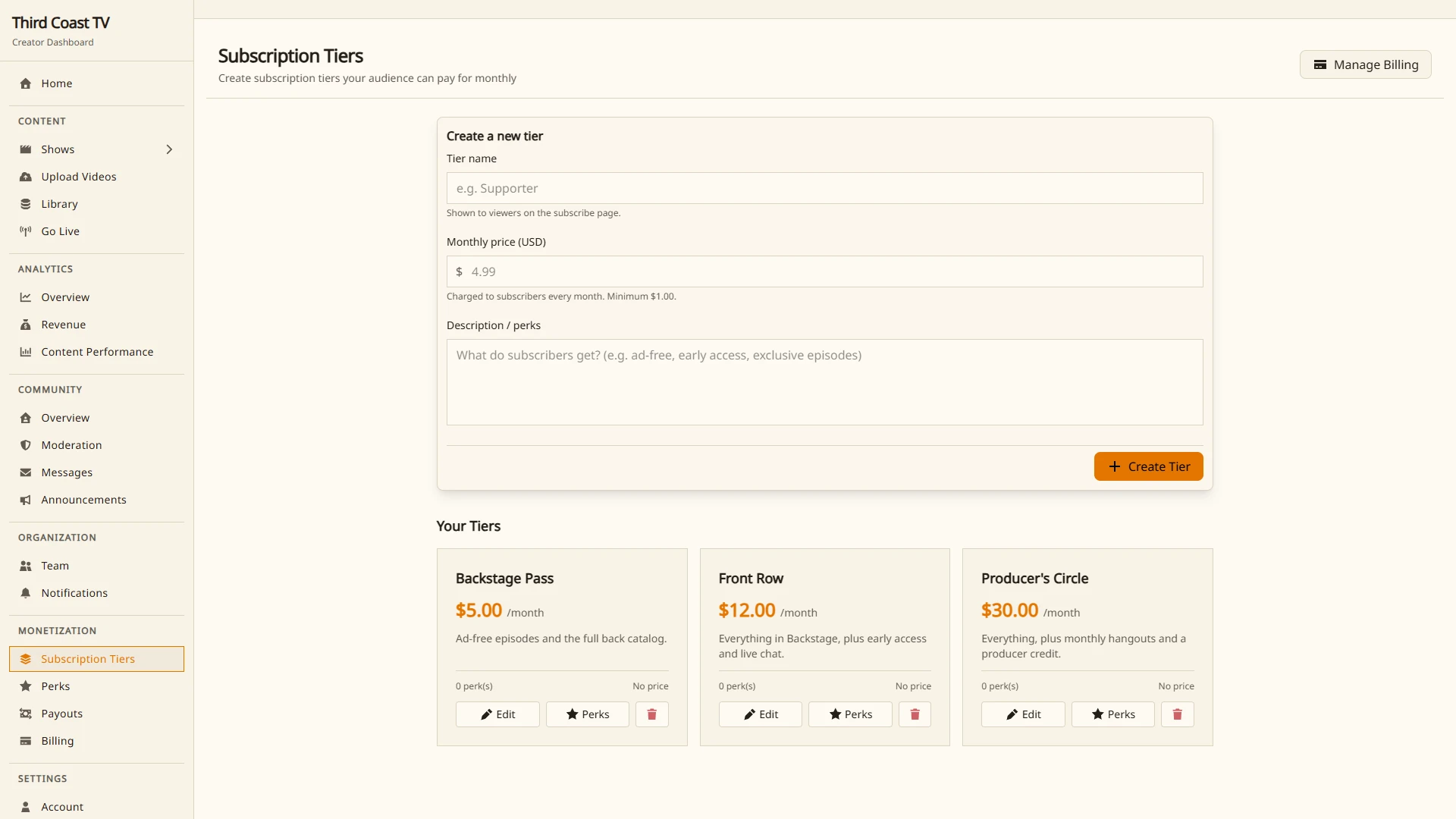
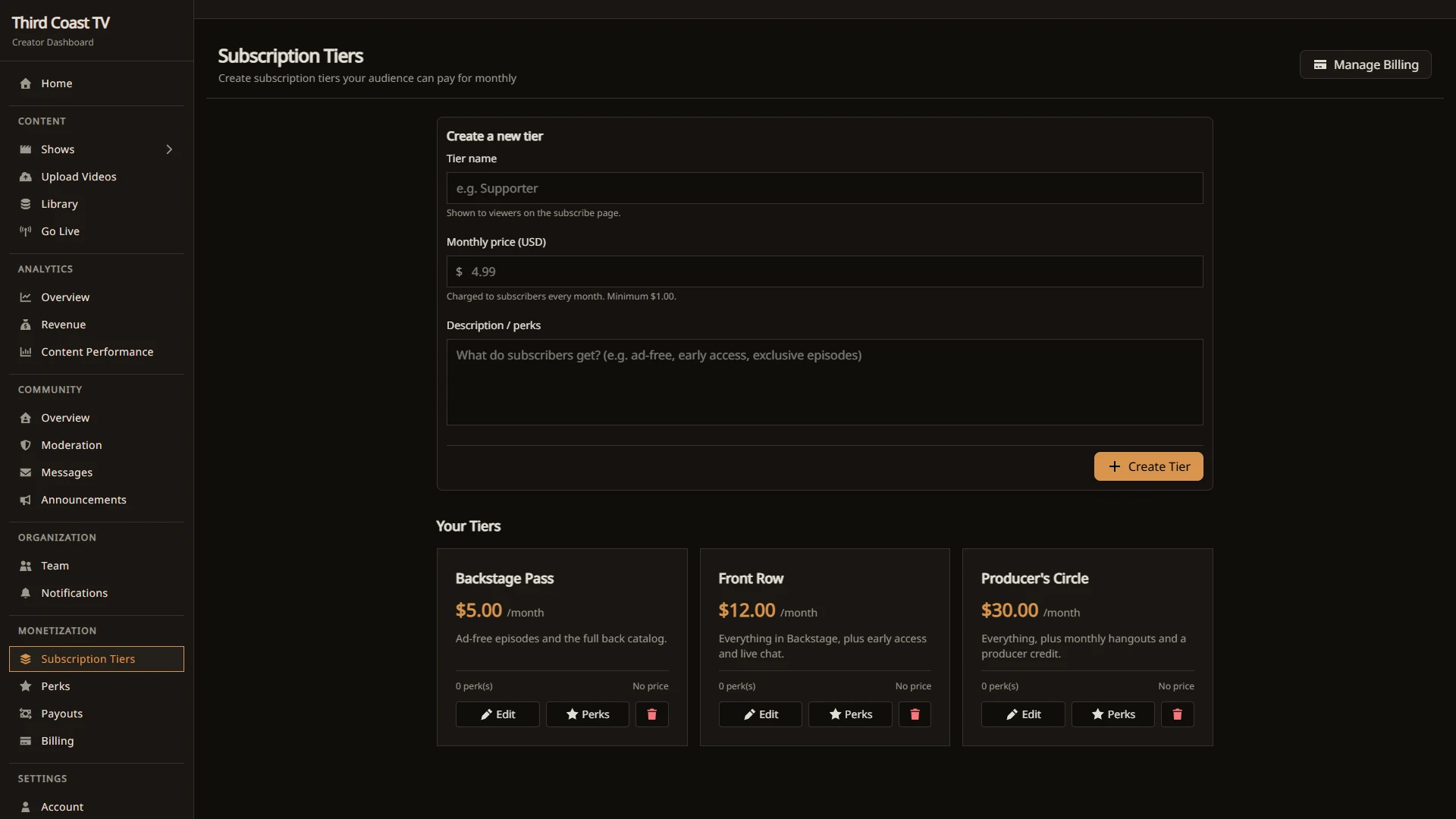
For each tier you set:
- A name and description so viewers know what they are getting.
- A monthly price.
- The perks attached to it.
Tiers belong to your organization. A subscriber on a tier unlocks every Subscriber episode, plus any Tier-gated episode set to their tier. When someone cancels, they keep access until the end of the period they already paid for.
Perks
Perks are the benefits you attach to tiers. Manage them under Monetization → Perks. A perk is reusable, so you can define it once and attach it to several tiers.
Use perks to describe what a membership includes, and use Perk-gated access to limit specific episodes to holders of a given perk.
Coins and giving coins
Viewers can buy coins and use them to support you directly. One coin is worth one US cent.
- Give Coins. A viewer can give coins to you in a one-time coin gift from the support panel on your show. Coin gifts are funded with coins.
- Coin-weighted polls. During a live stream you can run polls where viewers spend coins to add weight to their vote. See Running Live Polls.
Gift subscriptions
A viewer can buy a subscription for someone else by username. A gift is a one-time payment, not a recurring charge to the buyer, and it grants the recipient one month of the tier. See Gift Subscriptions.
Selling individual episodes
For one-off sales, set a purchase price on an episode and use the Purchase or Purchase or subscriber access mode. A purchase can be:
- Permanent, so the viewer owns access from then on, or
- A timed rental, where access lasts for a set window after purchase.
This is useful for premieres, special events, or back-catalog episodes you want to sell outside a membership.
Selling event tickets
For a paid live broadcast, use the Ticketed access mode: viewers buy a one-time ticket that covers the live event and a replay window afterward. See Ticketed Events for setup and details.
The platform fee
Third Coast TV takes an 8% platform fee on the money you earn from subscriptions, coin gifts, gifts, purchases, and event tickets. Your earnings, net of the fee, are tracked in your ledger and paid out through Stripe. Setting up payouts requires a verified email. See Creator Revenue and Payouts for the full flow.
Your Third Coast plan
The options above are how you charge your audience. Separately, your organization is on a platform plan (Free, Starter, Standard, Pro, or Streamer) that sets your storage, delivery, live, and team allowances. Plans and current prices are on the Pricing page, which is always the source of truth. You can start on the Free plan with no card and upgrade at any time.