Audience: Creators Status: User Guide
Third Coast TV connects to a few external services so you can promote your work and broadcast more widely. Find these under Settings → Integrations.
Social accounts
Link your social accounts to your organization.
- Open Settings → Integrations.
- Choose a platform and connect it. Most platforms use a secure sign-in (OAuth); Bluesky connects with an app password.
You can disconnect any account at any time, which removes the stored credentials.
Restreaming to other platforms
To broadcast a live stream to other platforms at the same time as Third Coast TV, connect those destinations and add them to a live episode as simulcast outputs. Supported destinations include YouTube, Twitch, Facebook, Kick, and TikTok, plus a custom RTMP target. See Live Streaming for the full setup.
API access
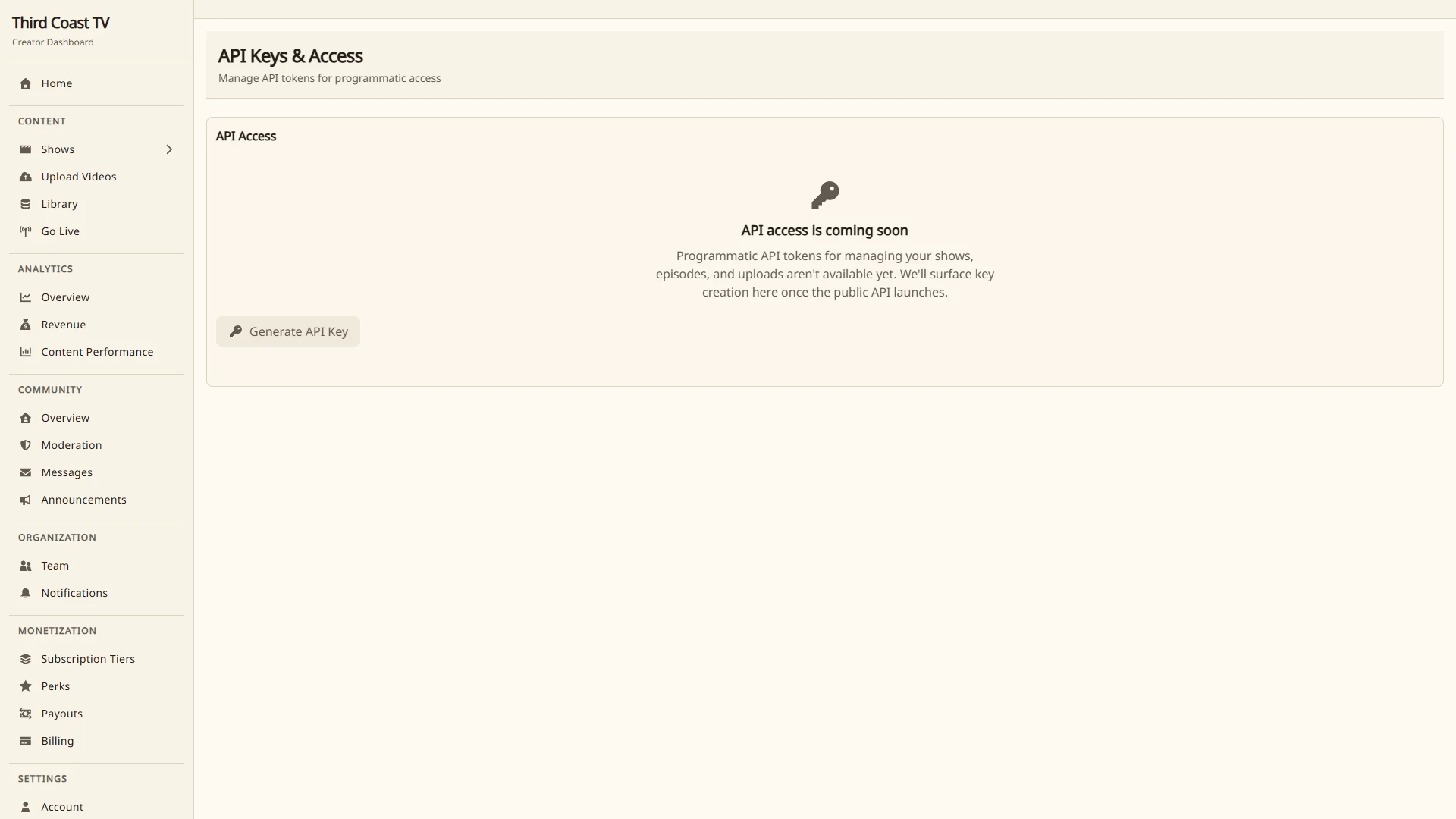
Build your own integrations with the Third Coast TV API. Create a key under Settings → API Keys, then send it with every request:
Authorization: Bearer tcsk_your_key_here
The key identifies your organization, so all data you read is your own. Keys are shown once at creation. If a key leaks, revoke it on the same page and create a new one.
Requests go to /api/v1 on your dashboard’s domain. For example:
curl -H "Authorization: Bearer tcsk_..." \
  https://control.thirdcoast.tv/api/v1/shows
What you can read
- Shows, episodes, and recordings:
/shows,/shows/{id}/episodes,/episodes/{id},/episodes/{id}/vods,/vods - Usage:
/analytics/usagereports your delivery and storage minutes, day by day. - Audience analytics (Advanced tier):
/analytics/views,/analytics/geography,/analytics/hot-episodes, and/episodes/{id}/analyticsfor retention and drop-off detail.
Access tiers
API access follows your plan. The Standard plan and above includes the Basic tier (catalog and usage reads). The Pro plan and above adds the Advanced tier (audience analytics). Requests beyond your tier return a 402 with the code upgrade_required.
Rate limits are 60 requests per minute on Basic and 300 on Advanced. A 429 response includes a Retry-After header.
Content that has been removed by a moderation or legal decision returns a 451 with the code content_blocked, including the removal reason when one is recorded. It still appears in list responses with its status field set to blocked, so your integration can tell removed from deleted.
An id that matches nothing (or a deleted resource) returns a 404 with the code not_found. A resource that exists but belongs to another organization returns a 403 with the code forbidden, so your integration can tell a stale id from a wrong-organization one.